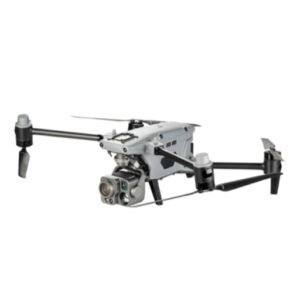
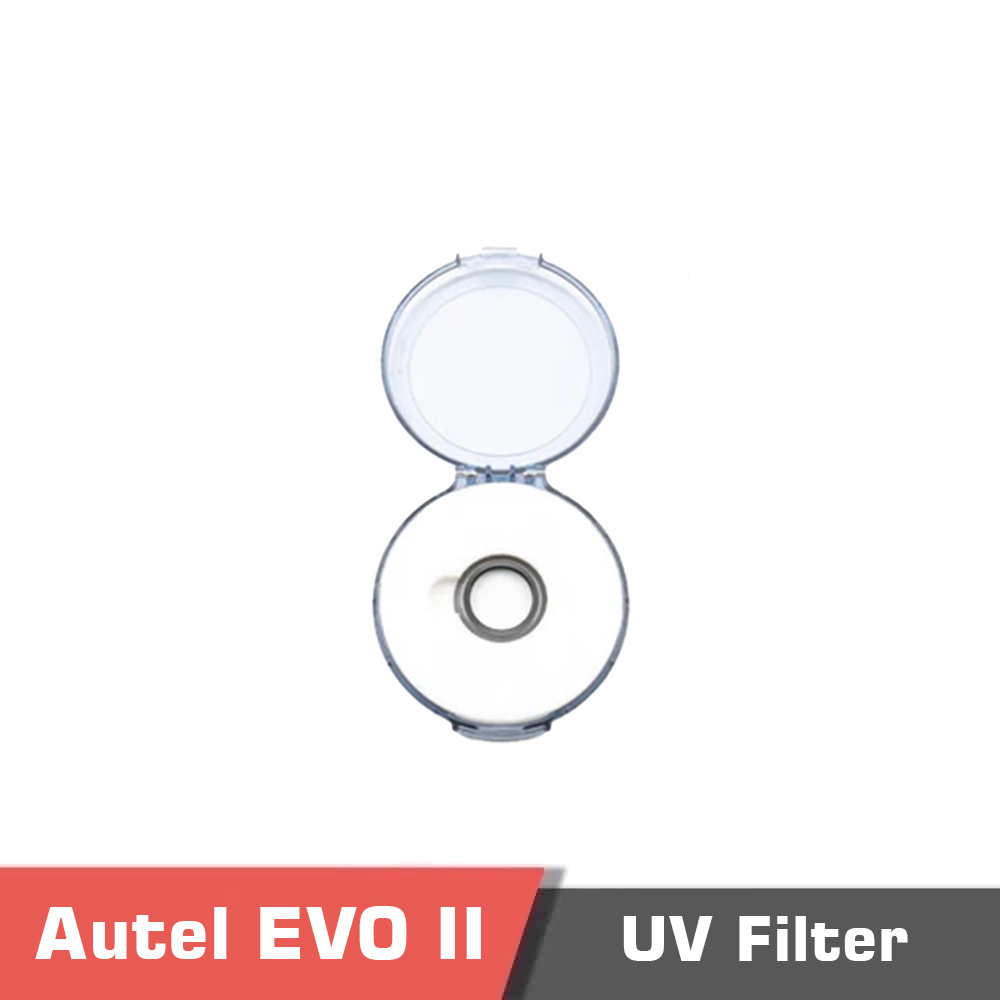
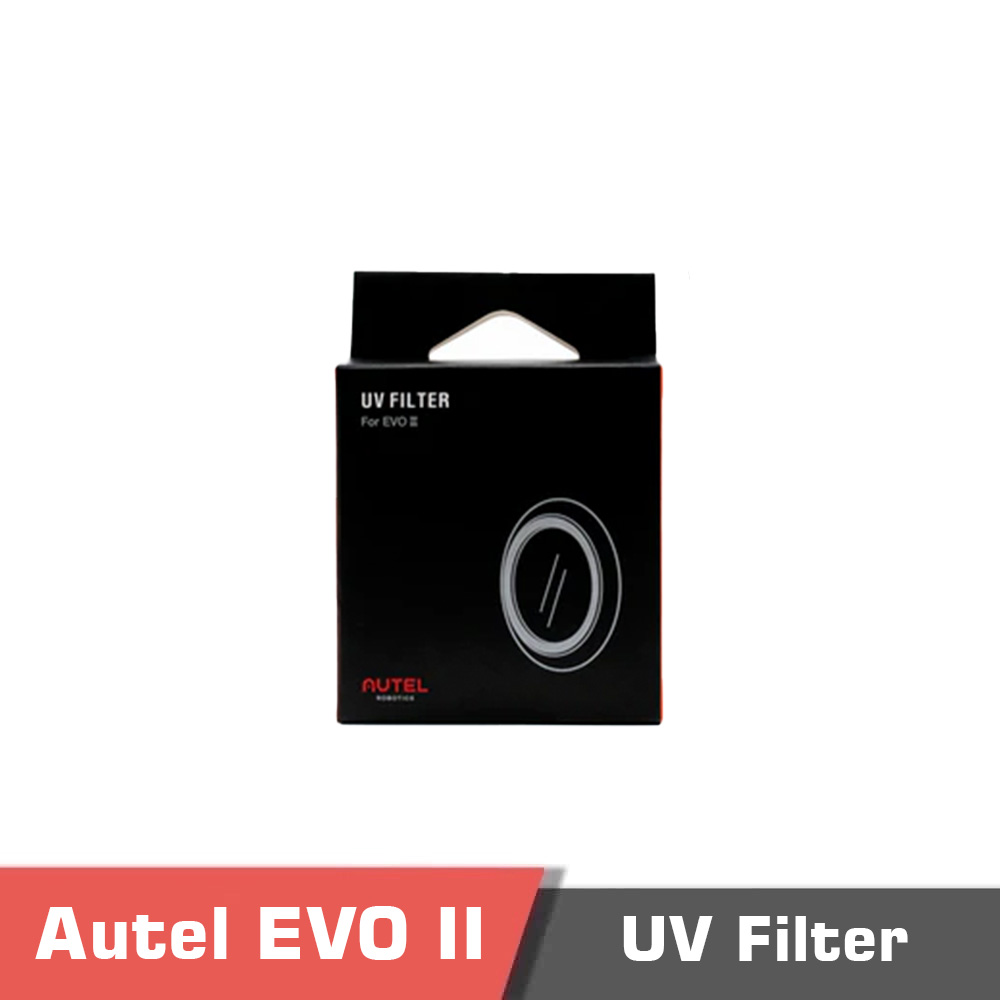
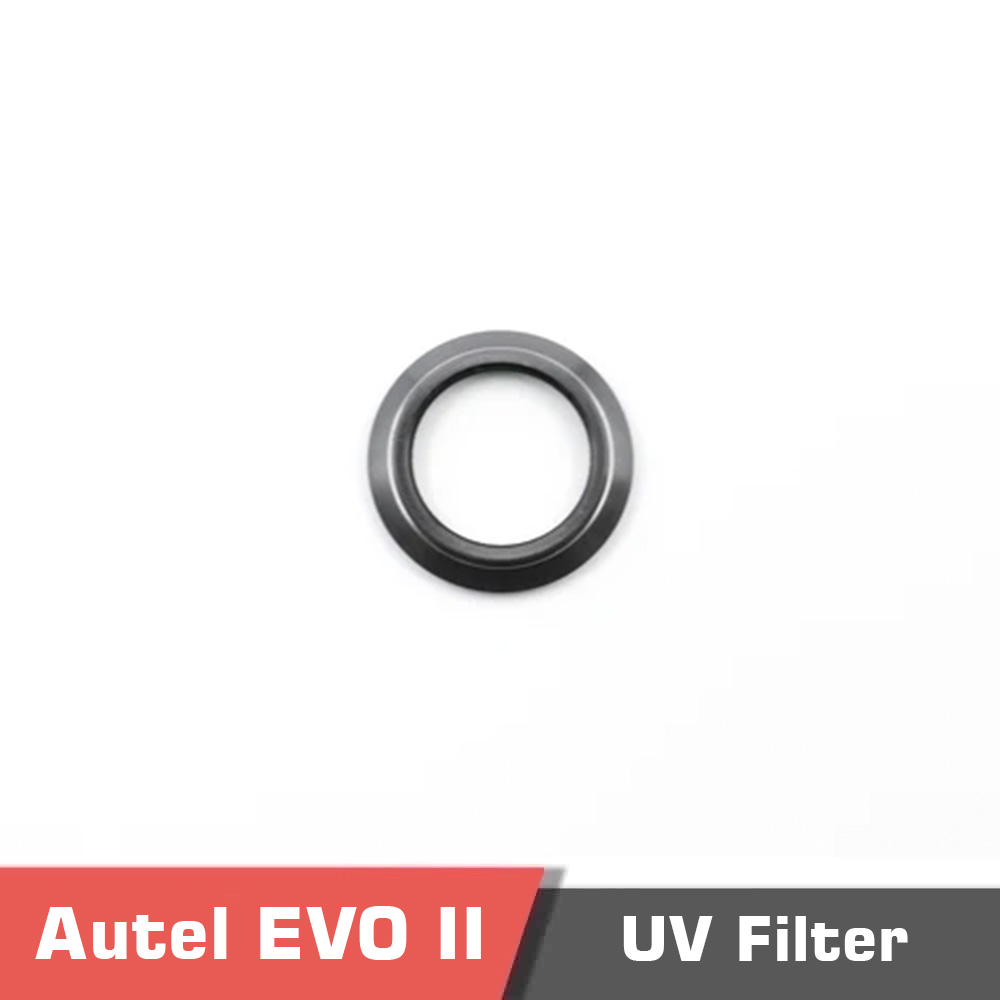
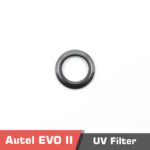
Autel EVO II UV Filter for Multirotor Drones
Take your photography skills to the next level with this pack of UV Filter. Engineered and optimized for use with EVO II Series multirotor drones.
Check here to purchase the Autel EVO II Dual 640T Rugged Bundle V3, Autel EVO II Dual 640T RTK Rugged Bundle V3, Autel EVO II Dual 640T Enterprise Bundle V3.
Purchasing Autel Evo II requires export license. MotioNew can apply for export license for this product for your company. Please contact us for more information before purchasing the Autel Evo Max.
If your company intends to export UAV products from China, it is necessary to comply with Chinese regulations. MotioNew products cannot be used for military, terrorist, or war purposes. Please read our Terms of Service for more information.
If you have any questions regarding our products, use the Motionew Contact us to consult our engineering team.
FAQ – Autel EVO II UV Filter | MotioNew
- What is the primary function of the Autel EVO II UV Filter?
The UV filter minimizes ultraviolet light interference, improving image clarity and protecting the camera lens from scratches, dust, and fingerprints during flight operations. - Is the UV filter compatible with all EVO II drone models?
Yes. It is engineered specifically for the Autel EVO II Series, including Pro, Dual, and Enterprise variants, ensuring a perfect fit and optical performance. - Does installation require any special tools or adjustments?
No. The UV filter attaches directly to the camera lens and can be easily replaced or removed without additional tools. - What payment methods are supported?
MotioNew accepts secure international payment methods including major credit cards and online payment platforms for convenient global transactions. - Can OEM or bulk orders be requested for this filter?
Yes. MotioNew offers OEM customization and bulk purchase options for distributors and enterprise clients. Contact the sales team for details and quotations. - Where can I access the product’s documentation and specifications?
Technical documents and specifications are available for download under the “Documents” section on the product page.
Product contents
Specifications
Documents
You must be logged in to post a review.
Reviews
Clear filtersThere are no reviews yet.